
Questions
What are Questions?
Questions are the reusable building blocks of your quizzes. You create a question once in the Questions library, then use it in any quiz. This article covers creating questions, the question types, categories, and how draft and published questions work.
CLICK HERE to learn how questions come together into a Quiz.
What question types can I create?
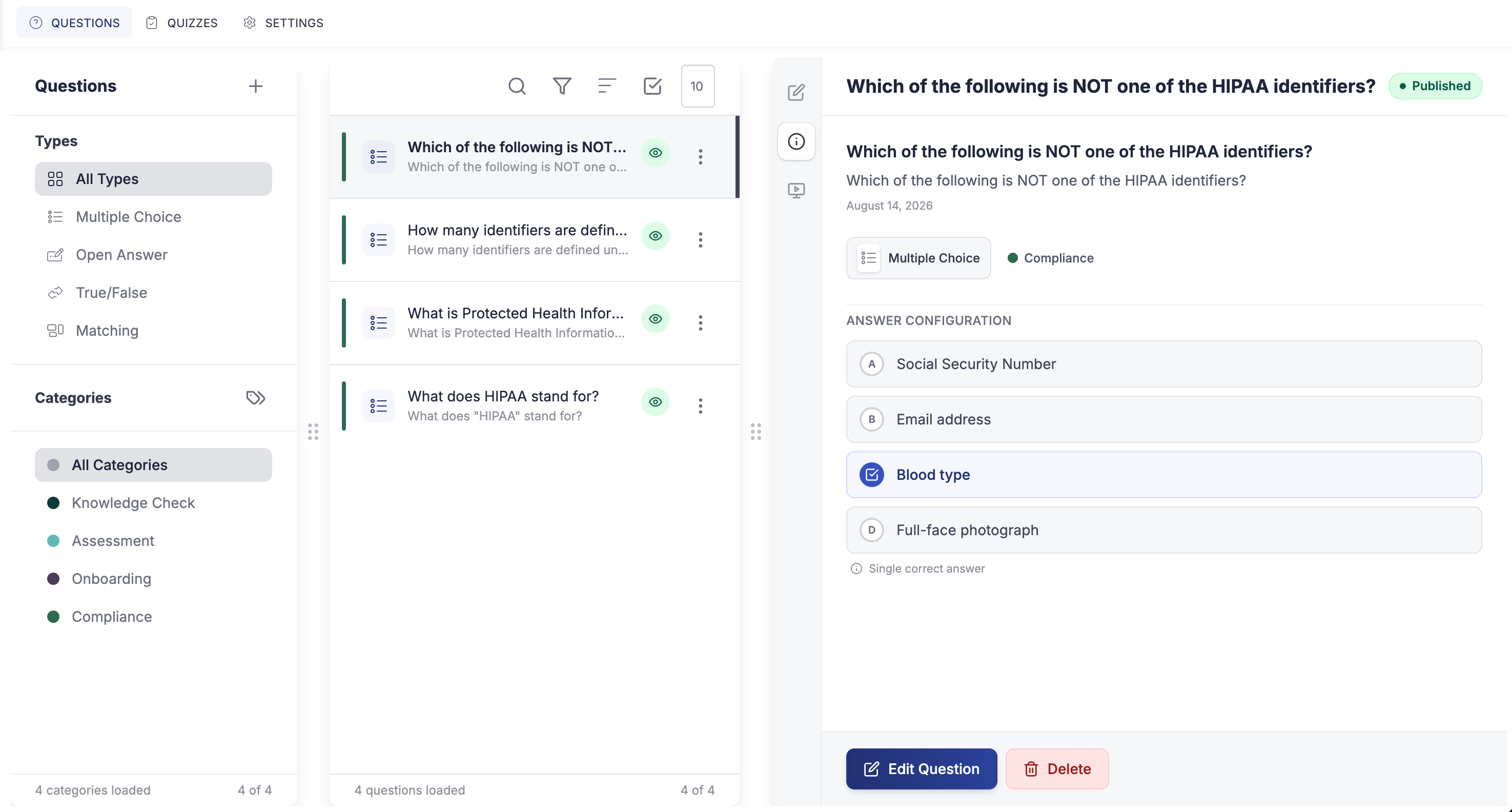
There are four question types:
- Multiple Choice: the taker picks from a set of options.
- True/False: a simple two-option question.
- Open Answer: the taker types a free-text response.
- Matching: the taker pairs items, using text or images.
How do I organize questions into categories?
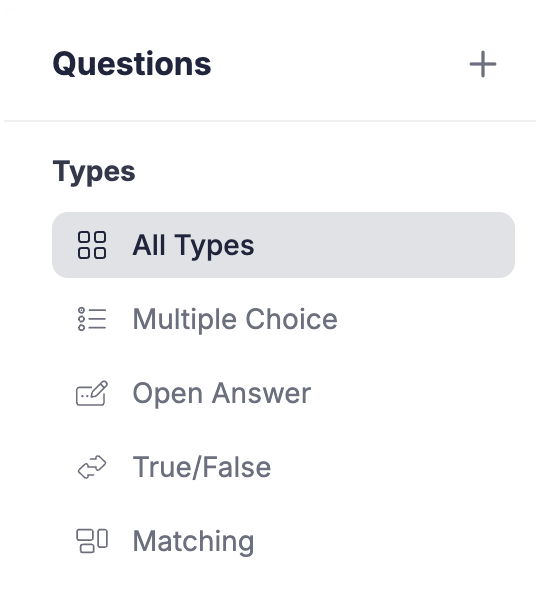
Group your questions into categories to keep the library tidy and easy to search. You can add, rename, reorder, and delete categories, and when you delete a category you can reassign its questions so nothing is lost.
How do draft and published questions work?
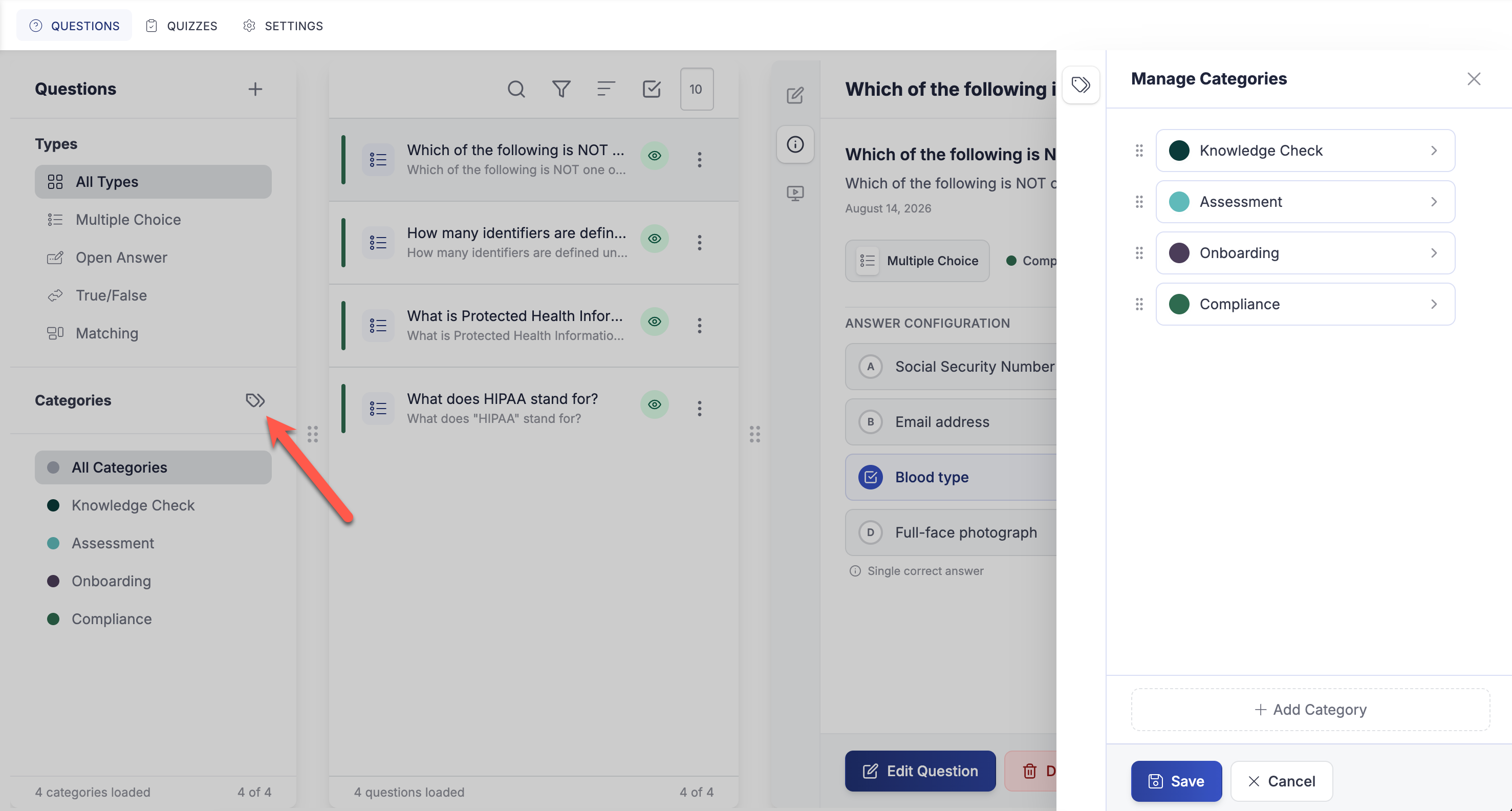
A question can be a Draft or Published, and a published question can also carry unpublished draft edits while you work on a change. Validation only runs when you publish, so you can save a rough draft freely and finish it later.
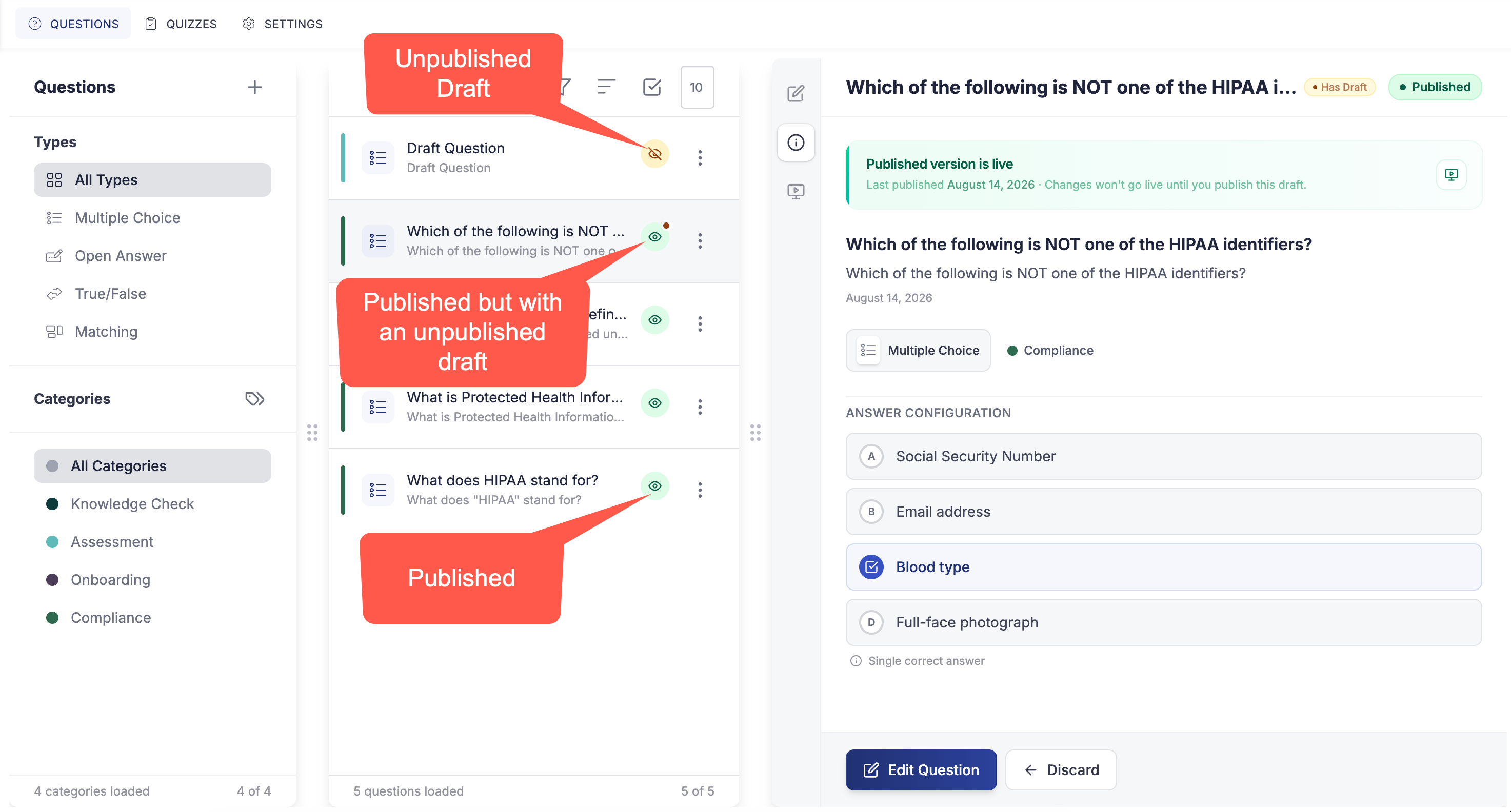
TIP: Editing a question's draft lets you refine wording or answers without disturbing the published version that quizzes are already using.
Who can manage questions?
Working with questions is governed by permissions, separate from the quiz permissions, covering creating, editing, deleting, publishing, and duplicating questions, and managing categories.
CLICK HERE to learn about Quizzes Settings and permissions.